
All Cursor Packs
Browse our full collection of custom cursors. Find your next favorite style and install it for free.
 Darth Vader cursorUnleash the power of the dark side with the Darth Vader custom cursor for Google Chrome. Embrace the Sith Lord's presence and upgrade your browsing experience.
 Ravenclaw Crest cursorThere is a custom cursor with mascot eagle and a Ravenclaw emblem as a hover in a set of Harry Potter cursors for Chrome.
 Chewbacca cursorThe Chewbacca custom cursor for Google Chrome brings the lovable Wookiee to your screen. Upgrade your browsing experience with this iconic design.
 Minion Joker Character cursorMinion Joker cursor is illustrated for our adorable custom cursors collection. Minion Joker as a cursor for the mouse and Joker's weapon pointer will look pretty cool on your screen.
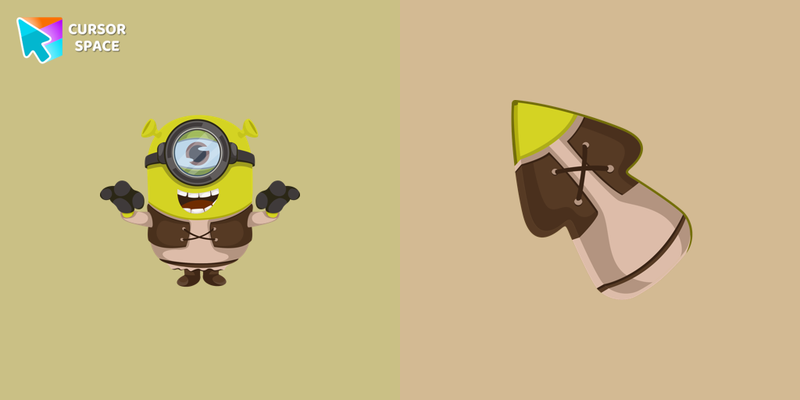 Minion Shrek Character cursorMinion Shrek skin is designed for the eponymous game and is now presented as a custom cursor with Minions for our cursors collection for mouse and pointer.
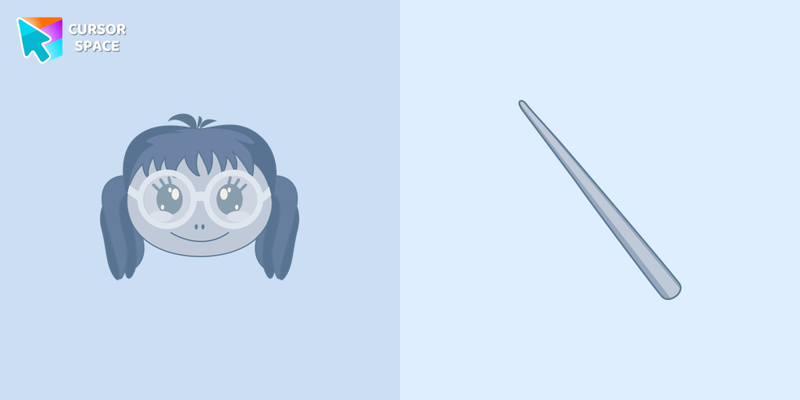 Moaning Myrtle cursorThe custom cursor Moaning Myrtle will change the usual cursor for the mouse to a cute one.
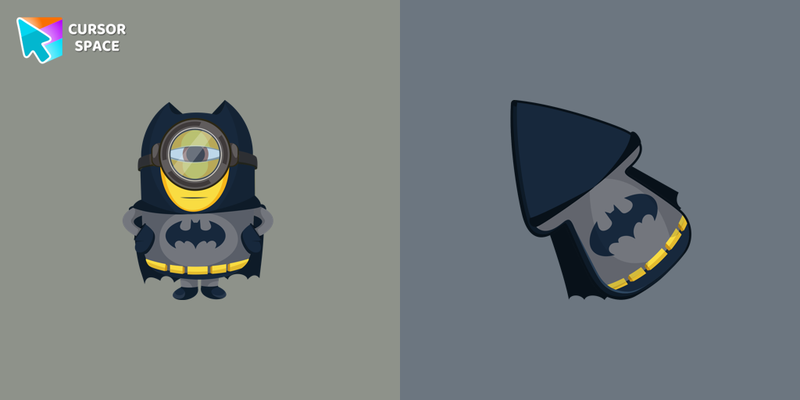 Minion Batman Character cursorSweet custom cursor with Minion Batman in a Minions cursors collection for Chrome browser. Minion Batman cursor item is a pretty designed set of mouse cursors with a stylish hover.
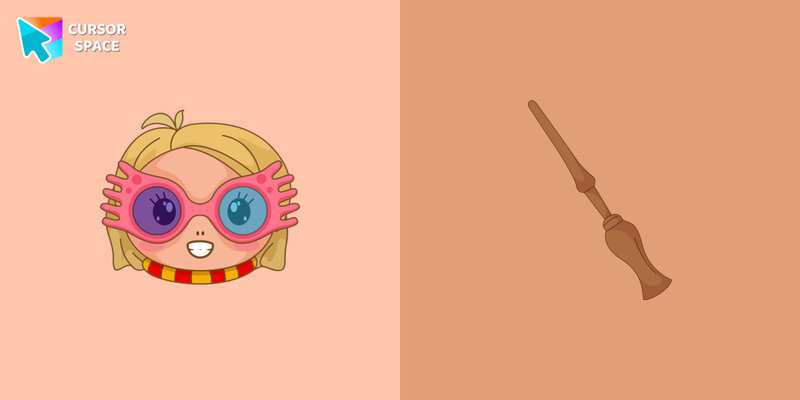 Luna Lovegood cursorCute and a little quirky custom cursor with Luna Lovegood includes custom cursor for mouse and pointer. The Harry Potter custom cursors collection for Chrome will be the best suite for all fans of the wonderful story.
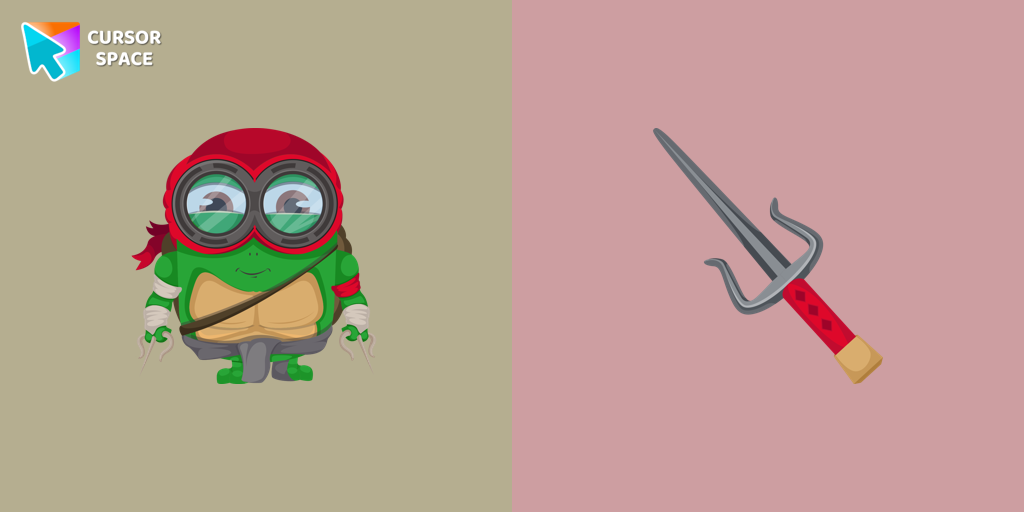 Minion Ninja Turtle Character cursorTransform your browsing with a custom cursor for Google Chrome! The Minion Ninja Turtle Character cursor combines fun Minions with Ninja Turtle excitement.
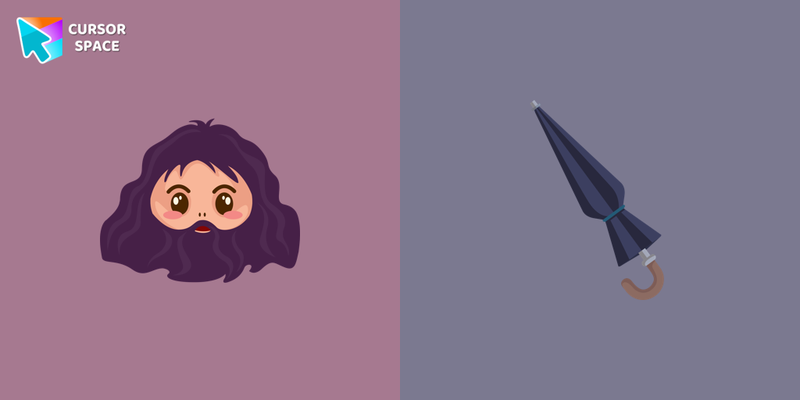 Rubeus Hagrid cursorYou have the opportunity to master Hagrid's umbrella, which contains a magic wand, and use it as a custom cursor from our collection of Harry Potter custom cursors.
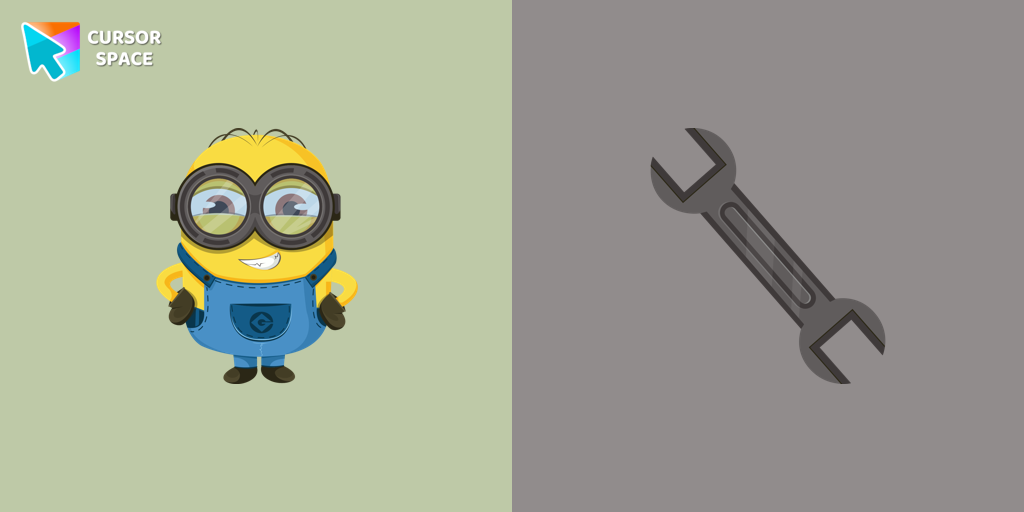 Bob the Minion cursorAdd fun to your browsing with the Bob the Minion custom cursor for Google Chrome. This adorable design brings Bob’s playful charm to your screen.
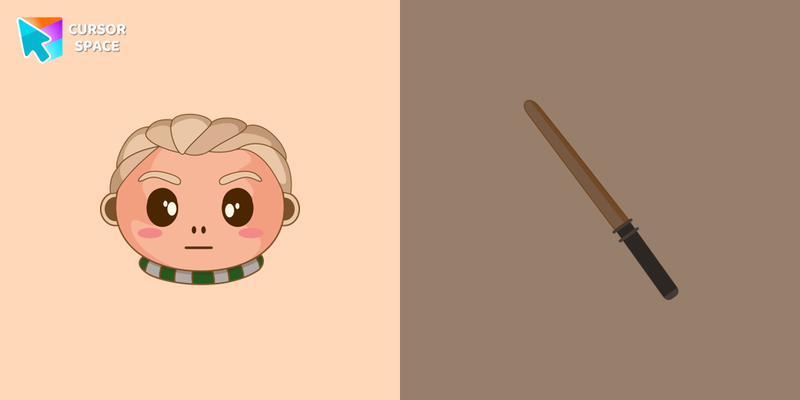 Draco Malfoy cursorWith our collection of Harry Potter custom cursors, you have the opportunity to use a magic wand and Draco Malfoy as a custom cursor for mouse and pointer as a pointing device.
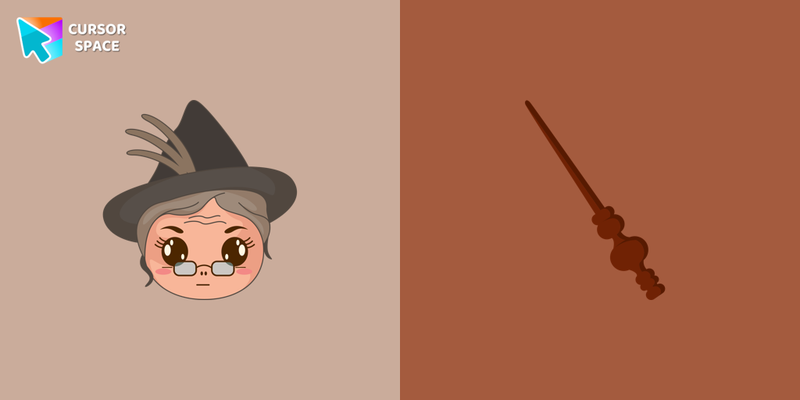 Professor Minerva McGonagall cursorThanks to the Harry Potter Cursor Collection for Chrome, you can use the custom cursor in the form of a magic wand and Minerva McGonagall herself as a pointing device.
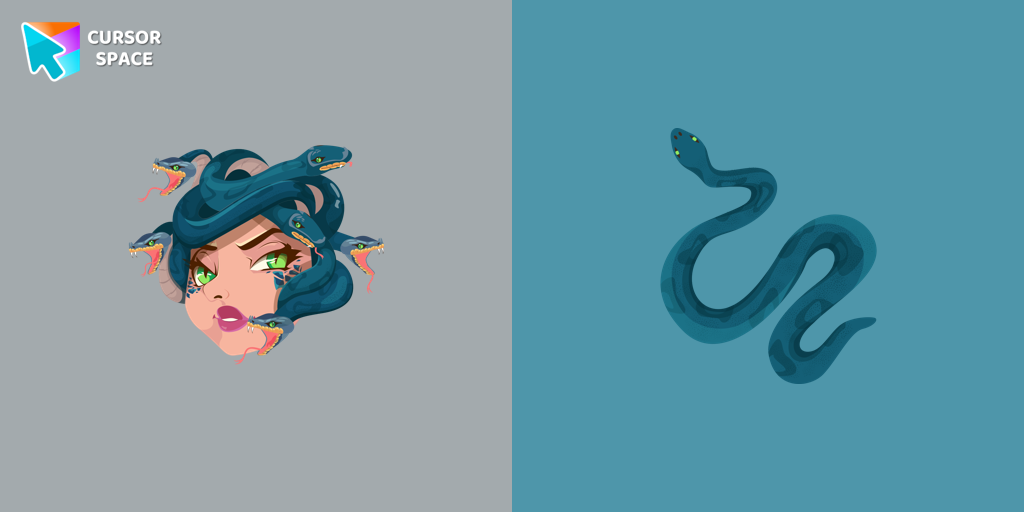 Gorgon Medusa cursorMedusa, a mortal woman transformed by Athena into a gorgon. Custom cursor with snake pointer for the mouse in our collection of custom cursors Greek Mythology.
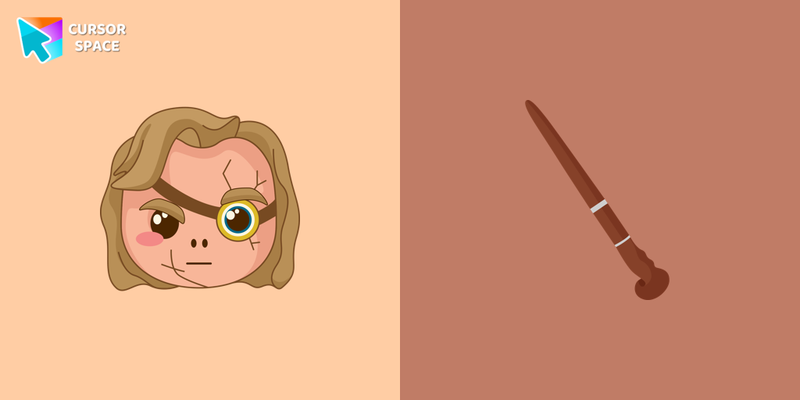 Alastor Moody cursorAlastor Moody one of the most famous obscurantists who fought against the Death Eaters. Our Harry Potter custom cursors collection for Chrome will help you become great obscurantism.
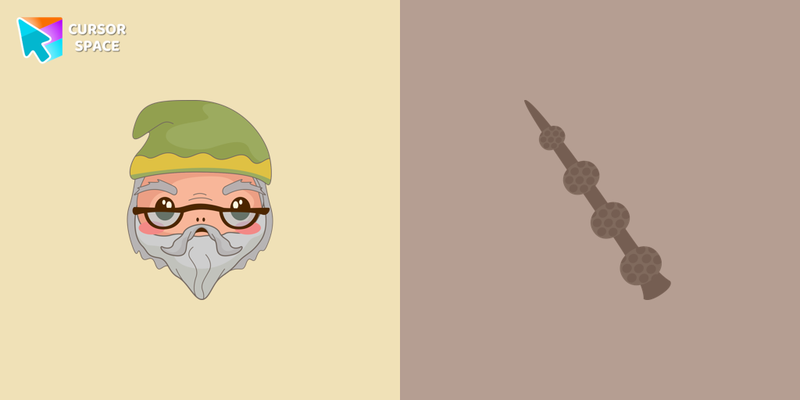 Professor Albus Dumbledore cursorAlbus Dumbledore - Director of the Hogwarts School of Witchcraft and Wizardry. Don't miss the opportunity to feel like a great wizard by installing Albus Dumbledore custom cursor for mouse and pointer.
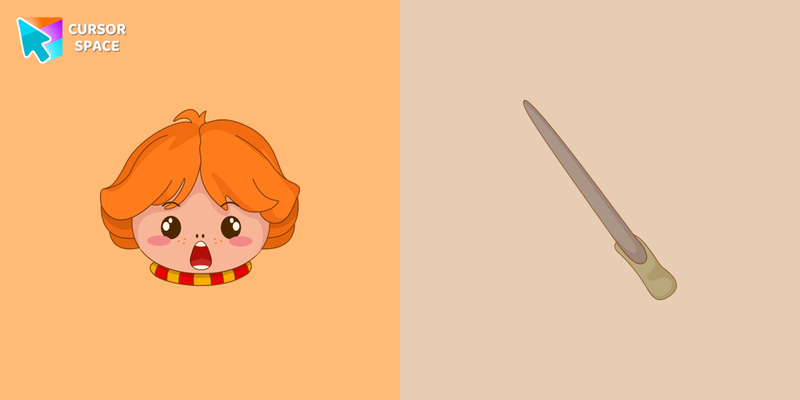 Ron Weasley cursorWith the customizable custom cursor from the Harry Potter collection, you can turn your cursor into Ron's magic wand.
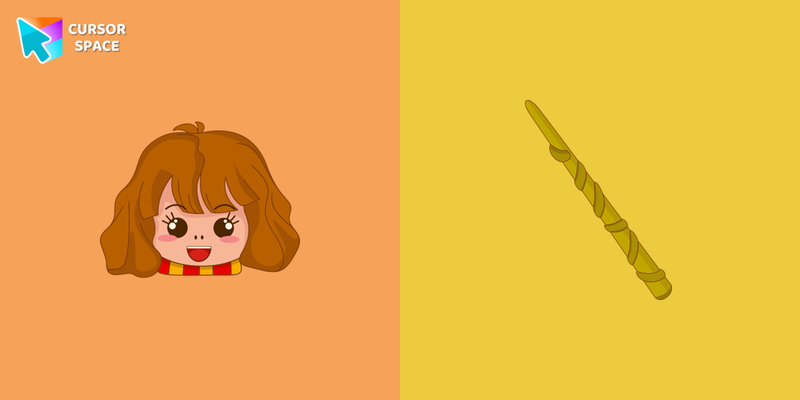 Hermione Granger cursorHermione Granger mouse cursor and custom pointing pointer in the Harry Potter custom cursor collection.
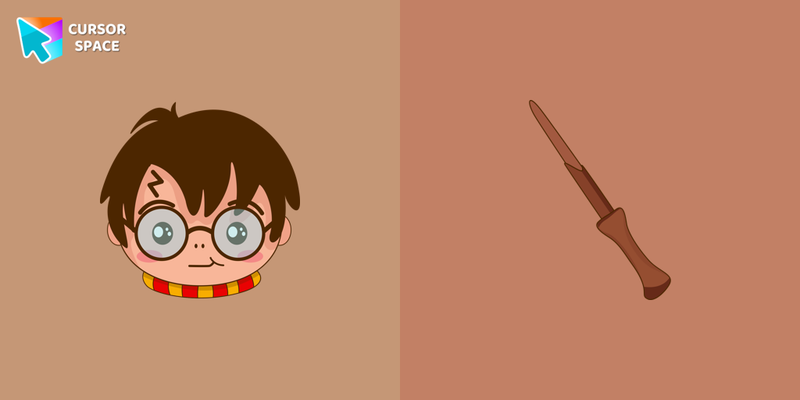 Harry Potter cursorMeet the Harry Potter cursor for Chrome in a custom cursors collection with Harry Potter for mouse and pointers.
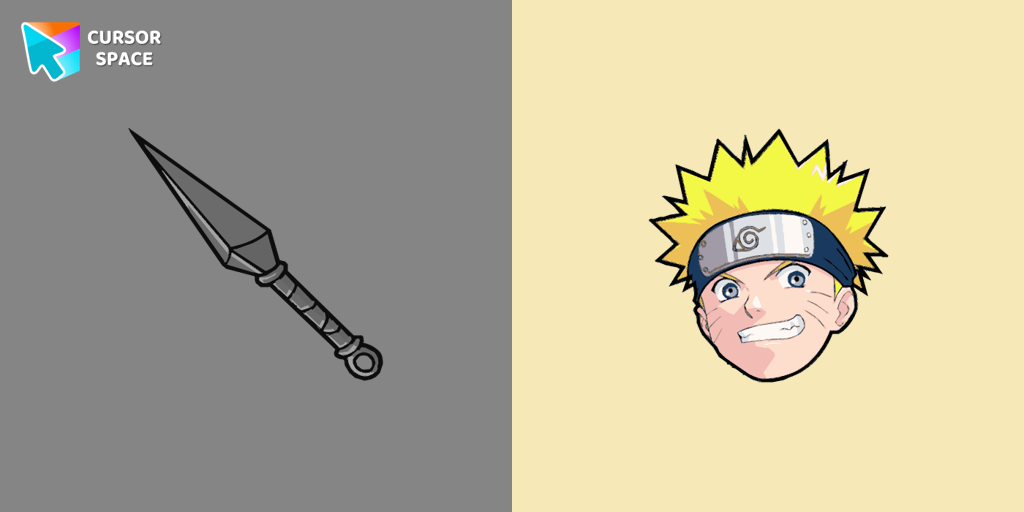 Naruto Uzumaki cursorThe Naruto Uzumaki custom cursor for Google Chrome lets fans personalize their browsing experience with an iconic mouse pointer featuring Naruto himself.
Explore cursor packs by style
Cursor Space packs include curated cursor sets for everyday browsing: cute, minimal, anime, neon, pixel art, and more. Each pack comes with multiple cursor states (like default and pointer) and can be added to your browser in seconds.
Trending now
Fresh picks based on what people install most often.
Collections
Browse themed sets grouped by vibe and aesthetic.
Top charts
See weekly, monthly, and all-time leaders.
How to install a cursor pack
- Open any pack from the grid above.
- Click the install / add button on the pack page.
- If you don’t have it yet, install the Cursor Space browser extension.
- Apply the pack in the extension and enjoy your new cursor.
FAQ
Quick answers to common questions about cursor packs, collections, and installation.
Are cursor packs free on Cursor Space?
Most cursor packs on Cursor Space are free to browse and install. Some packs may be marked premium depending on licensing. The Cursor Space browser extension is free to install from the Chrome Web Store.
Do cursor packs work on Chrome and Edge?
Yes. Install the Cursor Space extension for Chromium-based browsers (Chrome, Edge, Brave), open a pack page, and click install/apply. The extension applies the cursor set across your browser.
How do I install a custom cursor pack?
Open the pack page, click the install or add button, install the Cursor Space extension if prompted, then apply the pack from the extension popup. Your new cursor appears immediately.
Can I change or remove a custom cursor later?
Yes. Open the Cursor Space extension, choose another pack, or restore the default system cursor from the extension settings.
Is the Cursor Space extension safe?
Cursor Space is distributed via the Chrome Web Store and Edge Add-ons. Keep the extension updated, and only install packs from trusted catalog pages on this site.